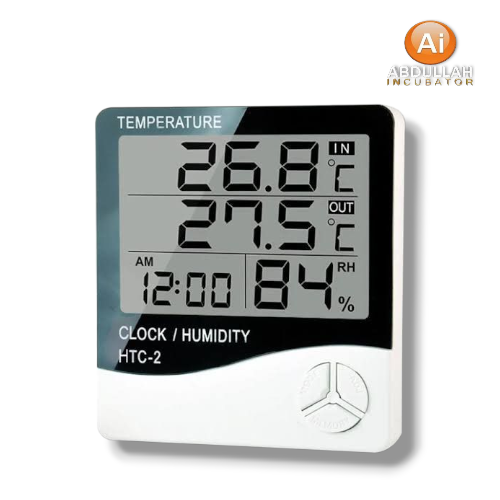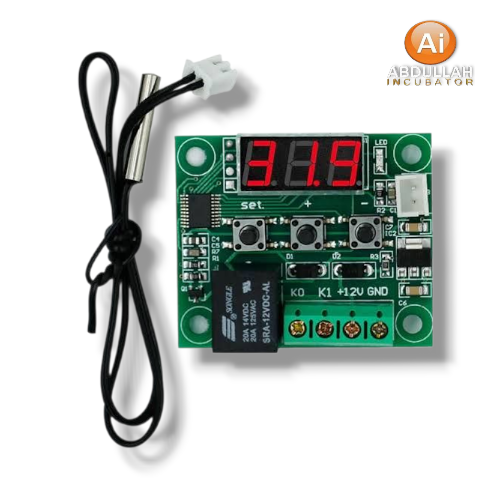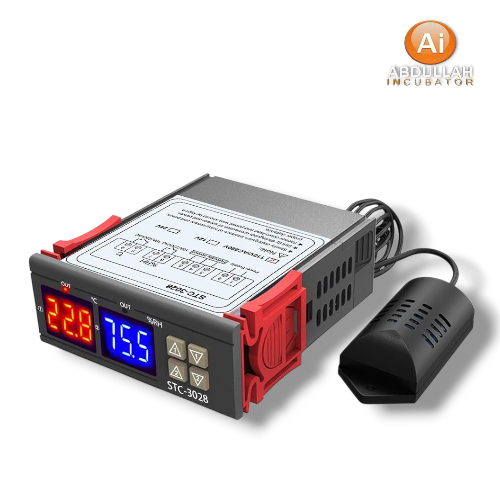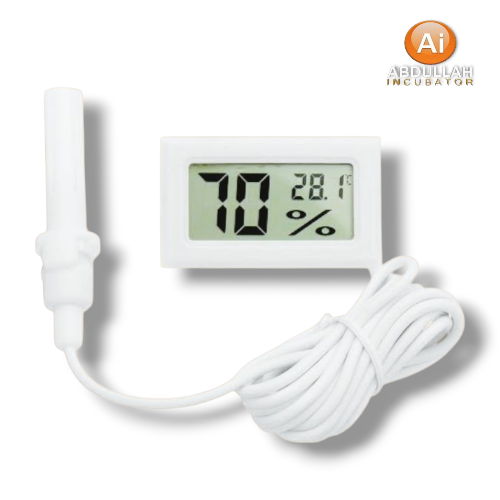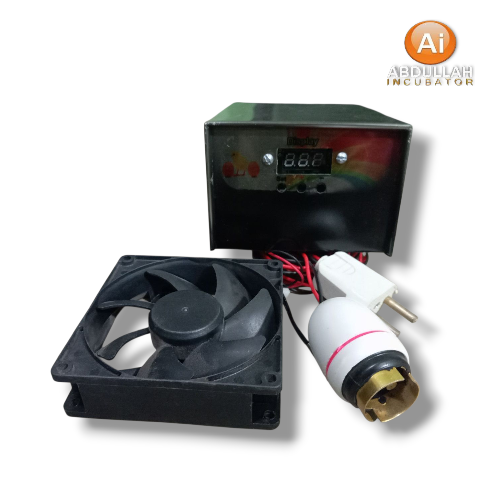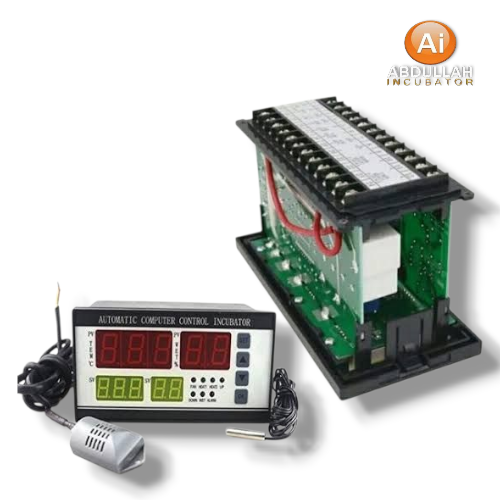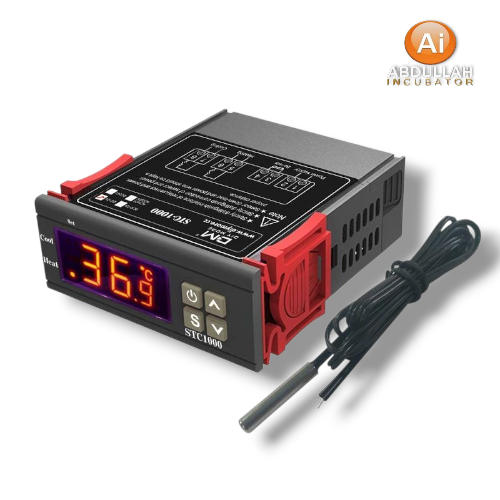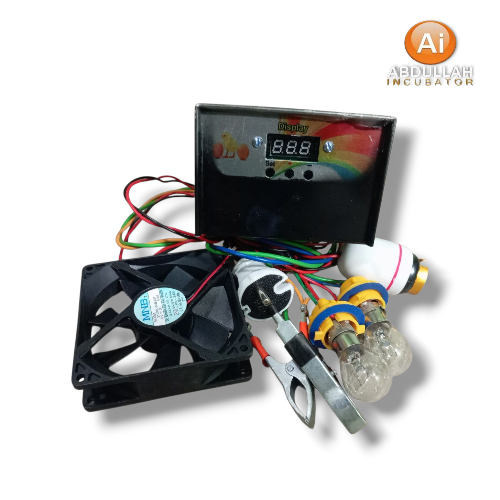






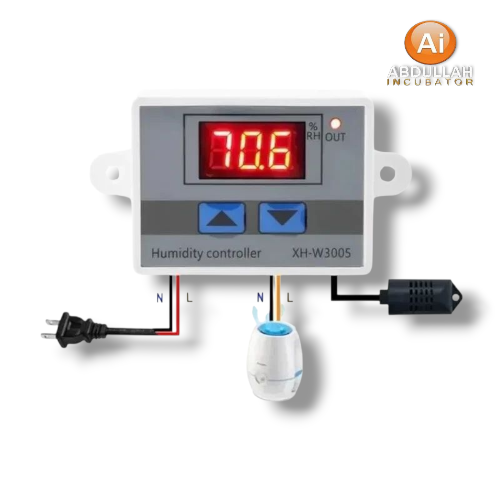
XH-W3005 হল একটি ডিজিটাল হাইগ্রোমিটার / আর্দ্রতা নিয়ন্ত্রণ সুইচ। এটি বর্তমান আপেক্ষিক আর্দ্রতা (RH) পড়ে এবং RH এর উপর নির্ভর করে লোড (হিউমিডিফায়ার, ডিহিউমিডিফায়ার, ফ্যান ইত্যাদি) চালু বা বন্ধ করতে
Inhouse product

Reviews & Ratings
What is it
The XH-W3005 is a digital hygrometer / humidity control switch. It reads the current relative humidity (RH) and can turn a load (humidifier, dehumidifier, fan, etc.) ON or OFF depending on what RH thresholds you set.
Key Specifications
How to Use / Basic Operation
-
Setting humidity thresholds: There are usually two settings: a “start” humidity and a “stop” humidity. When humidity drops below the start threshold, the controller can turn something on; when it exceeds the stop, it turns off (or vice versa depending on wiring / your load).
-
The “UP” and “DOWN” buttons are used to adjust the thresholds. Long pressing (≈3 seconds) allows the value to flash and then be changed.
-
Reset to factory settings by pressing both UP + DOWN together until the display shows “888”, then it returns to detection mode.
Limitations / Cautions
-
Because it’s direct-output, the load must not exceed the maximum current/power rating. Otherwise it can overheat, damage the controller, or be unsafe.
-
The output end should be properly connected before powering on; if there’s no load or it’s improperly wired, there could be arcing or sparks.
The sensor accuracy (±2%) means you may see small errors; for very tight humidity control you might need calibration or a better sensor.
-
The environment (heat, dust, water, etc.) around the sensor and controller should be controlled to avoid damage or false readings.
Related products